Just 99.5 KB (Android) / 700 KB (Windows) — yet packed with everything you need: Ad Block, Incognito, Dark Theme, Voice Typing and much more. No heavy app, just hassle-free browsing.
Blocks annoying ads and trackers. Also hides Facebook Sponsored posts and Reels ads.
Incognito Tab
No history is saved, and data is wiped when the tab closes. Safe for private browsing.
Tab Grid
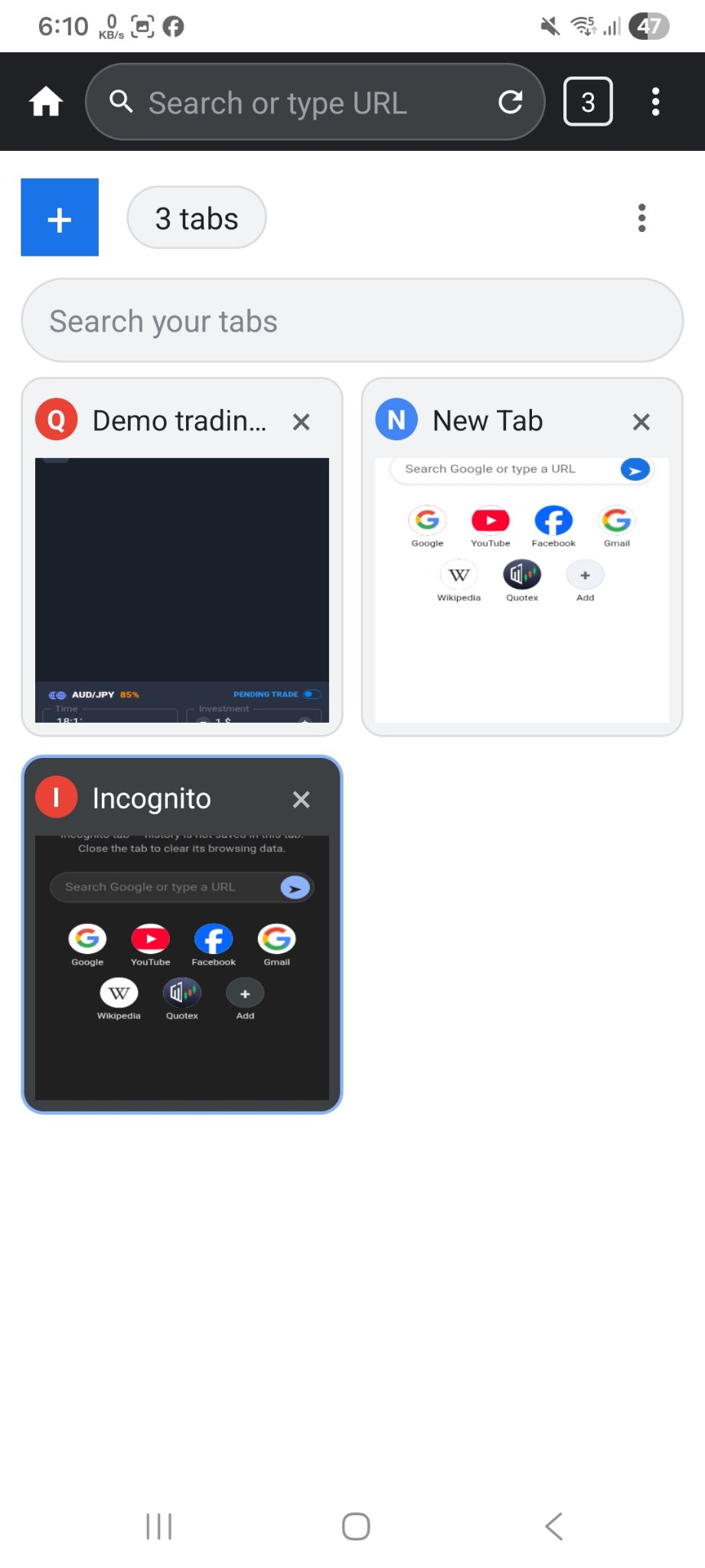
See all your tabs with previews, search them and switch with one tap — as easy as Chrome.
Bookmarks & History
Save your favorite sites and find previously visited pages easily. Suggestions appear in the address bar too.
Run JavaScript
Run your own JavaScript on any page. Save favorite scripts and run them with one tap.
Bengali Voice Typing
Speak and it turns into text — both Bengali voice input and voice output are included.
Fingerprint Protection
Changes your Canvas/WebGL fingerprint so websites can't easily recognize your device.
Dark / Light Theme
Dark mode for eye comfort, Light for daytime — switch with one tap.
Desktop Mode & Downloads
View desktop versions of websites on your phone too. Files download straight to your Downloads folder.
Screenshots
See how it looks
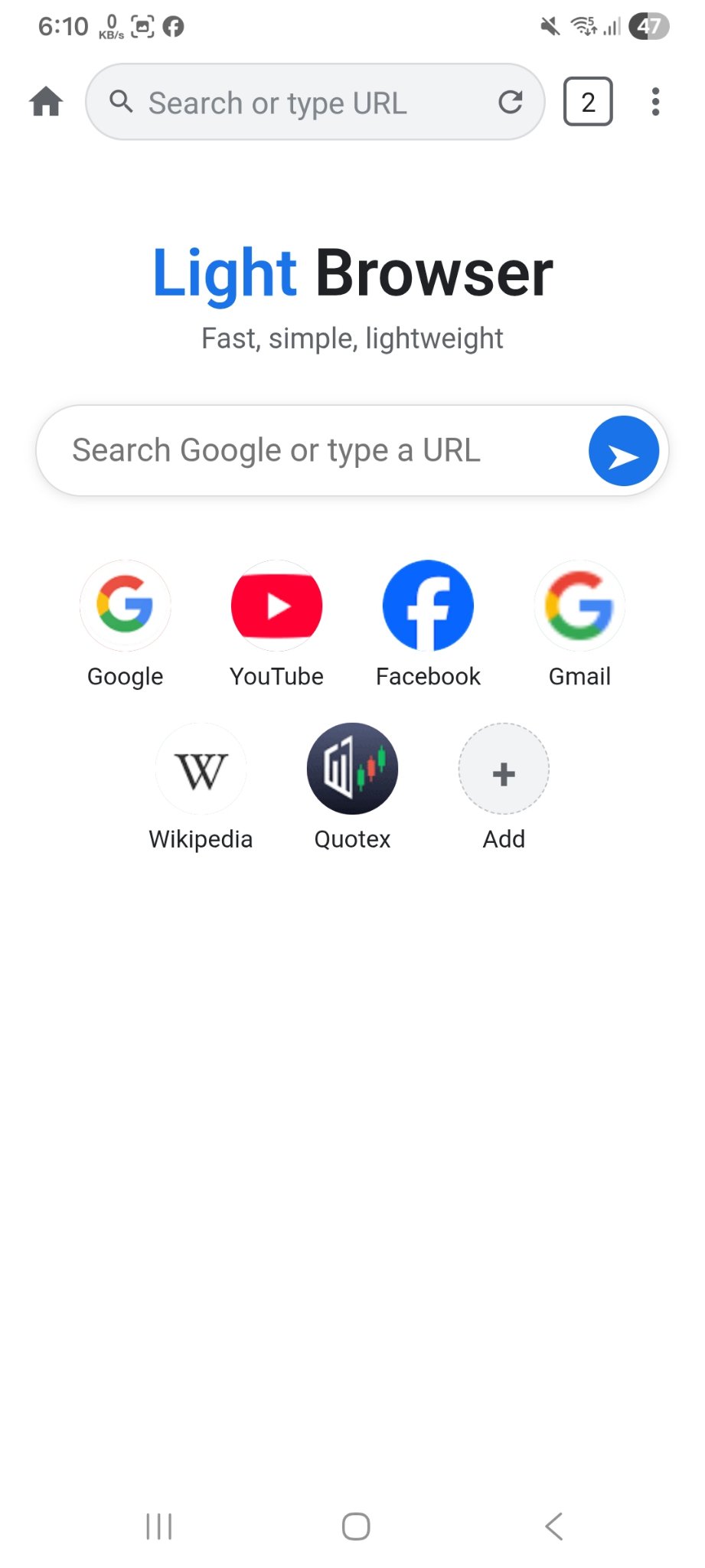
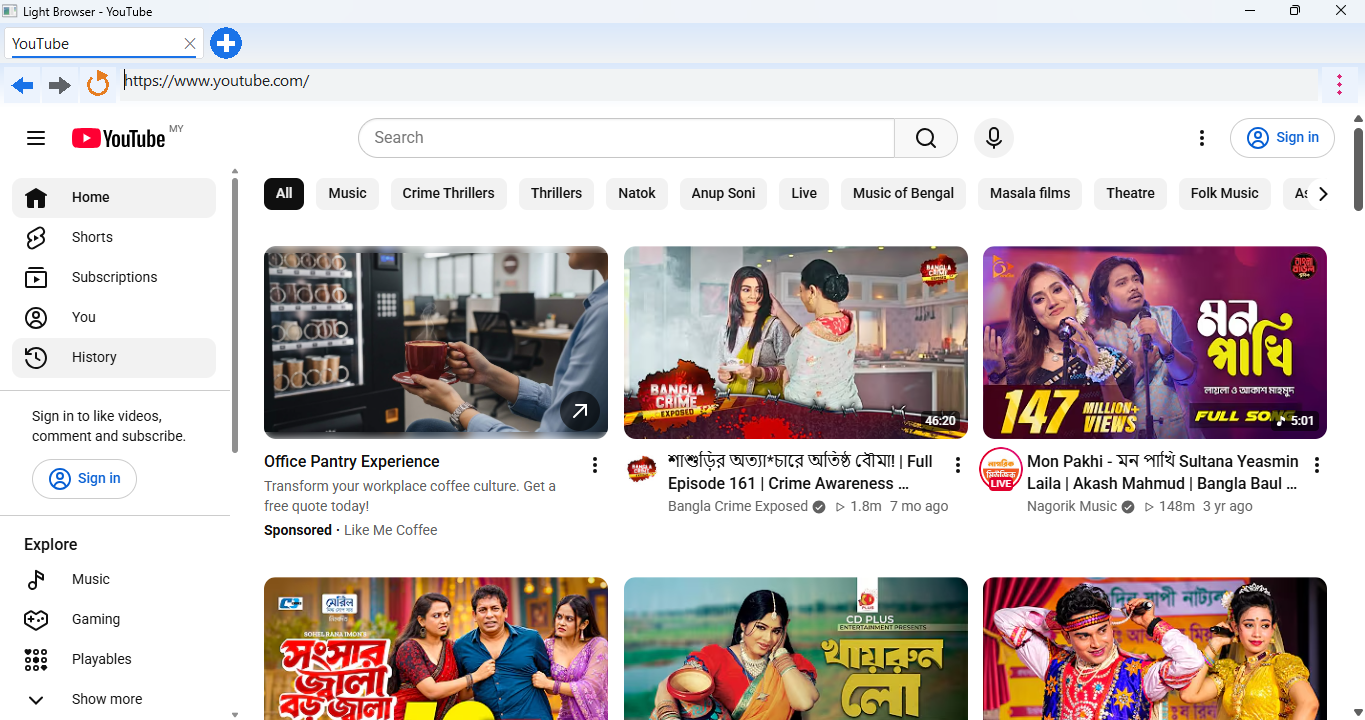
Real screenshots from Android and Windows.
Home Page — Search & ShortcutsTab Grid — All Tabs at a GlanceLight Browser on Windows
Install Guide
How to install
Takes just two minutes — follow the steps.
Install on Android
Tap the Download APK button above to download the file.
When the download finishes, tap the file. If your browser asks, tap Allow.
Tap Install.
If Play Protect shows a warning ("App not safe"), tap More details → Install anyway — this warning appears because the app comes from outside the Play Store; nothing to worry about.
Done! Open Light Browser from your home screen.
Note: Android 7.0 or higher required.
Run on Windows
Download the ZIP above — inside are LightBrowser_Setup.exe and a README.
Unzip the ZIP file.
Run LightBrowser_Setup.exe to start using Light Browser.
If SmartScreen shows a warning, click More info → Run anyway.
Done! Settings, bookmarks and history are saved automatically.
Note: Windows 10/11 required. The WebView2 Runtime is built into Windows 11; if it's missing, install "Microsoft Edge WebView2 Runtime" from Microsoft's website.
Install on Linux (Ubuntu)
Download the .deb file above.
Double-click the .deb file and click Install — or use the terminal below.